Agent Idle Dashboard
v0.3.0 Beta
Supports:
Antigravity GitHub Copilot Cursor Claude Code

Stay productive
while your agents work.

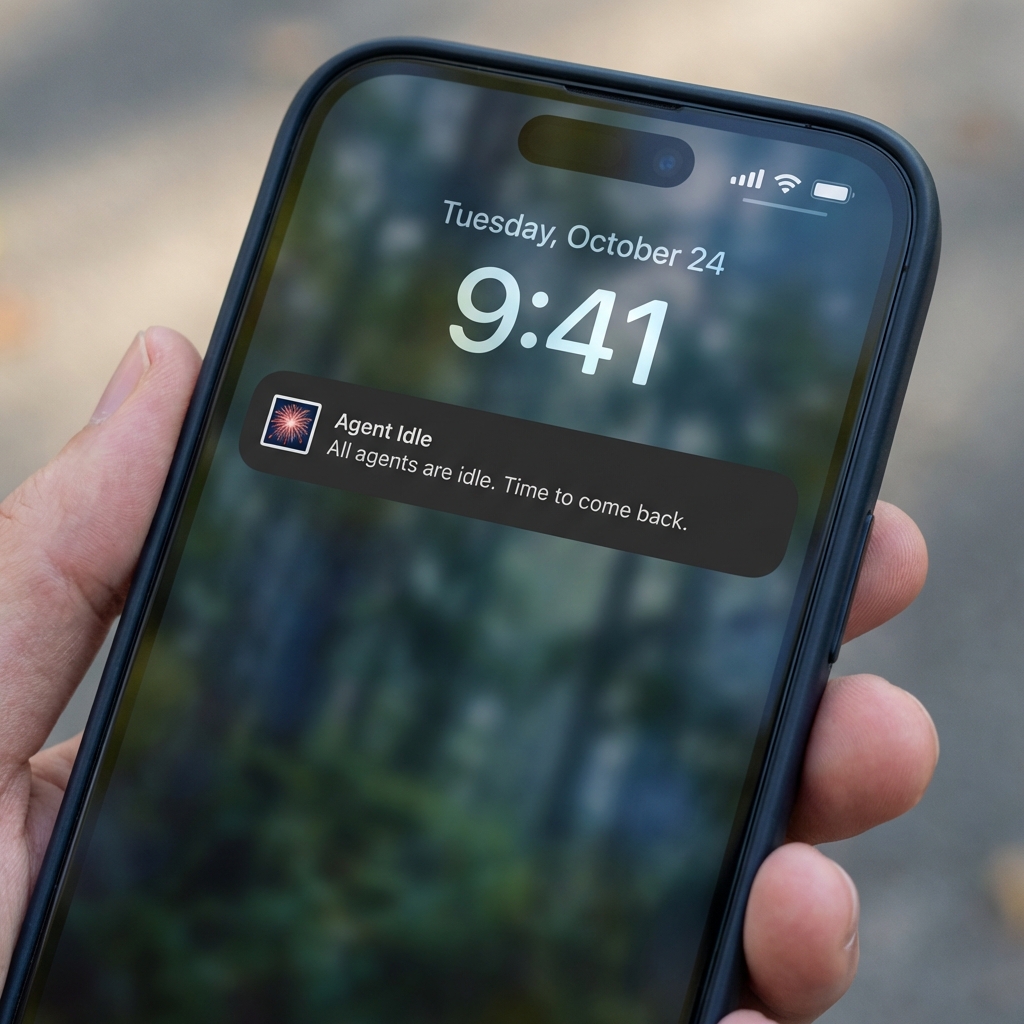
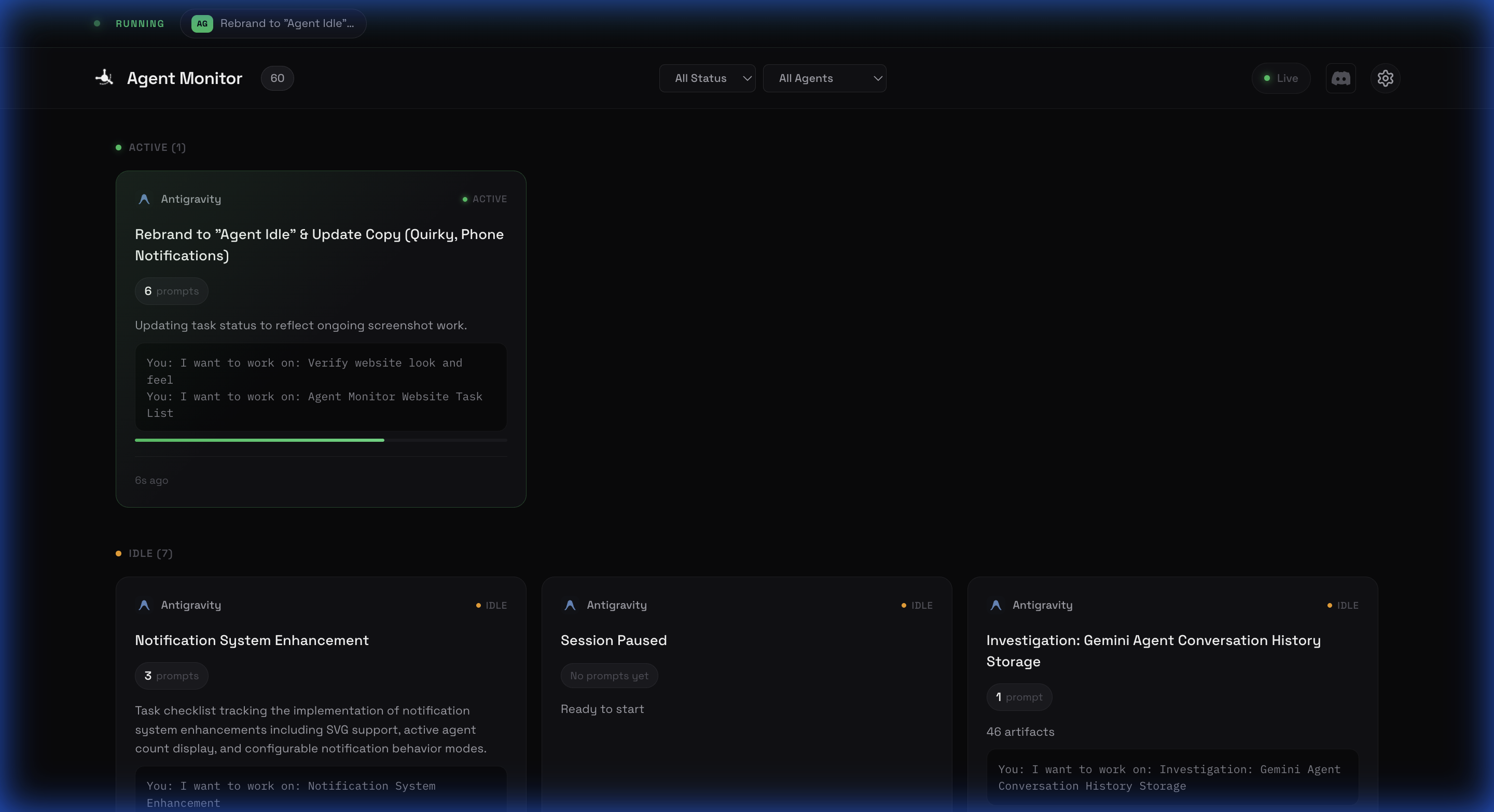
Monitor all your AI coding agents in one place. A floating widget keeps you informed. Push notifications on your phone when your agents stop. Work on other things or just relax without constantly checking your agents.

$ npm install -g agent-idle
Two Ways to Stay Informed

Whether you're at your desk or away, Agent Idle keeps you in the loop.

At Your Desk
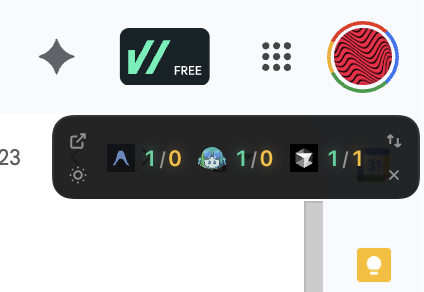
Agent Idle Floating Widget

Floating Desktop Widget

A minimal, always-on-top widget shows your running agents while you work on other tasks. Glance at it anytime—no need to switch windows or check terminals.

  • Always visible on any screen
  • Shows active/idle count per IDE
  • One-click to open full dashboard
  • Horizontal or vertical layout
Away from Laptop
Mobile Notification

Mobile Push Notifications

Step away from your computer with confidence. Get notified on your phone the moment your agents finish or need attention.

  • Instant alerts via ntfy.sh
  • Works on iOS and Android
  • No account required
  • Tap to open dashboard on phone

Built for Multi-Agent Workflows

One dashboard for all your AI coding tools.

Antigravity 3 / 1 Copilot 2 / 0 Cursor 0 / 2 Claude Code 1 / 0
Active
Idle
A / I Active / Idle

Real-Time Status

Live updates show exactly what each agent is doing. Active, idle, or finished—know instantly without checking each tool.

Full Chat History

Review past conversations and implementation plans. Everything is logged and accessible from the dashboard.

Configurable Timeouts

Set your own idle thresholds. Control when agents are considered active, idle, or inactive based on your workflow.

Quick Setup

Get running in under 2 minutes.

1) Install globally

One command to install the CLI tool.

npm install -g agent-idle

2) Start monitoring

Launch the dashboard and widget with one command.

agent-idle start

3) Get ntfy app (optional)

For mobile notifications when you're away.

4) Subscribe to your topic

Use the topic shown in your terminal:

  1. Open ntfy app
  2. Tap "+" to subscribe
  3. Paste your topic
agent-idle-a1b2c3

5) That's it!

You're all set. The widget appears automatically, and you'll get notifications when agents go idle.

Full Documentation
Tip: Customize your topic with agent-idle config --topic my-project